Look Up Words Without Leaving the Page
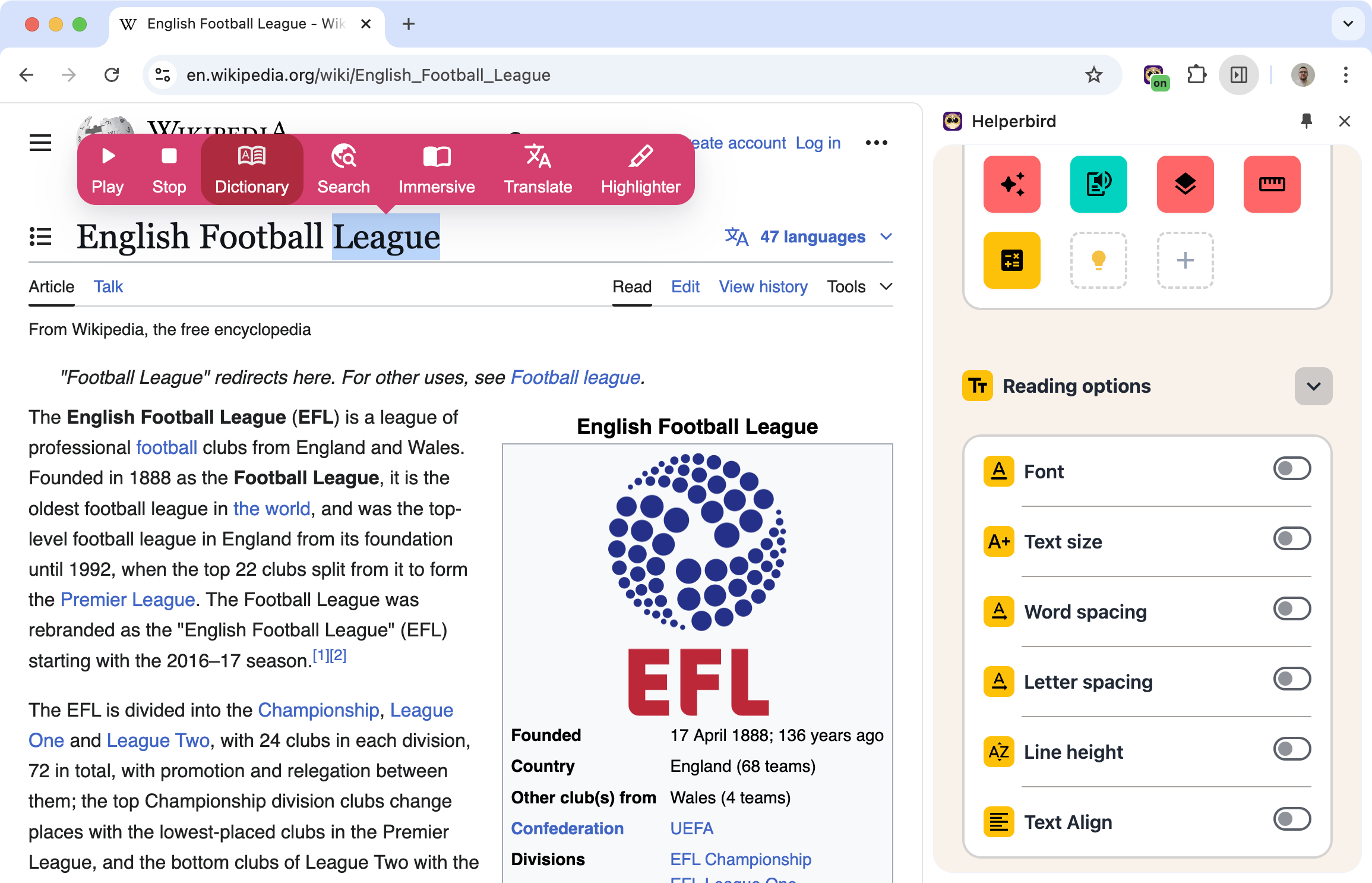
Hit a word you don't know? Select it and get the definition right there. No new tabs, no copying and pasting into Google.
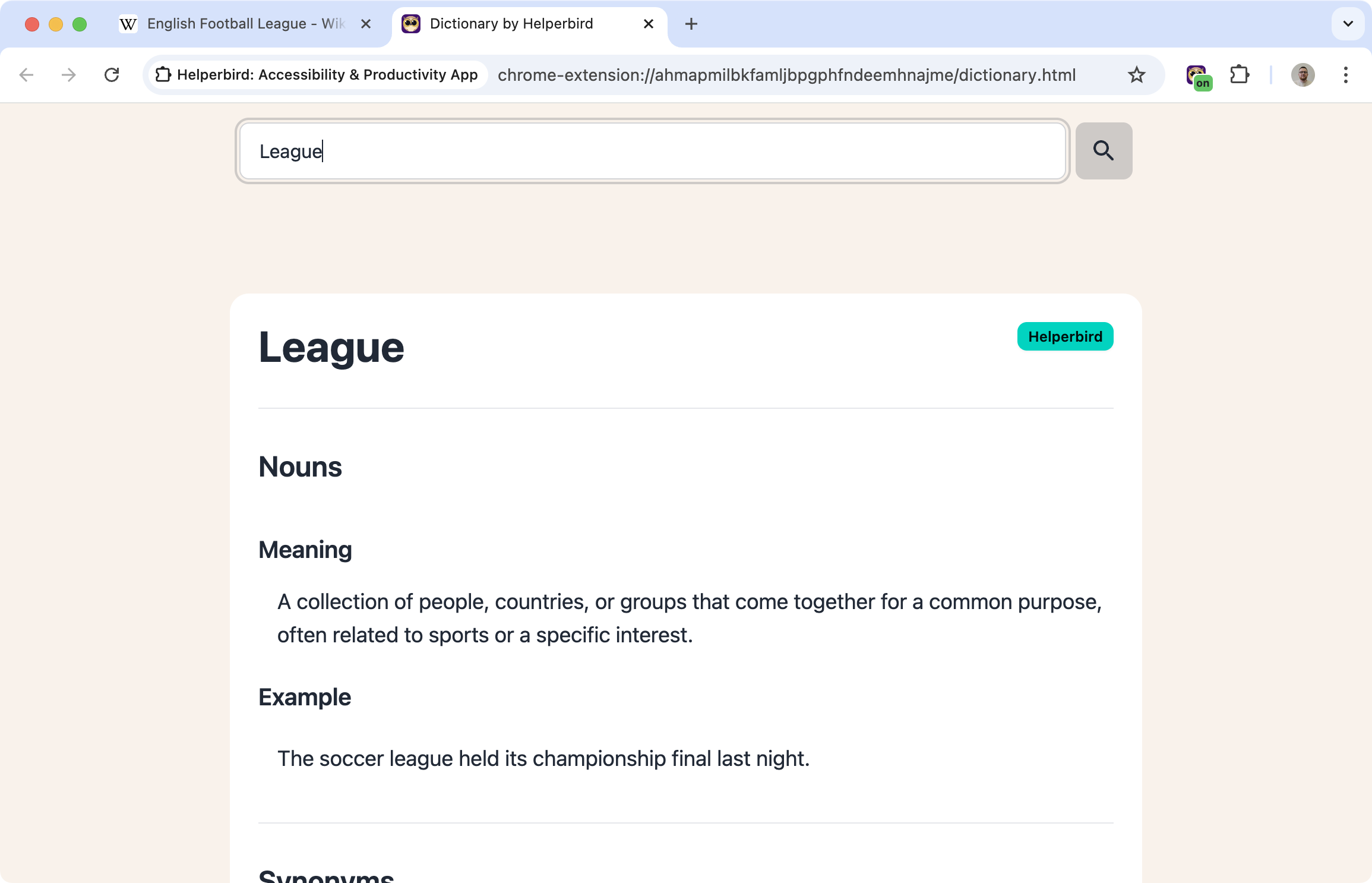
Helperbird's dictionary gives you definitions, synonyms, pronunciation, and word origins all in one place.
Learn how to use the dictionary
Related features
- Google Translate - Translate unfamiliar words into your native language instantly.
- Highlight Menu - Mark and save important words while you read.
- Text to Speech - Hear the correct pronunciation of words you look up.
What You Get
Definitions: Clear explanations of what the word means, including different meanings if there are multiple.
Synonyms: Similar words you could use instead.
Pronunciation: How to say the word correctly.
Word origin: Where the word comes from, which sometimes helps you remember it.
Part of speech: Whether it's a noun, verb, adjective, etc.
Why This Beats Opening a New Tab
When you're reading something, stopping to look up a word breaks your focus. By the time you've opened a dictionary site and typed in the word, you've lost the thread of what you were reading.
Helperbird keeps you on the page. Select, look up, keep reading.
Who Uses This
Students reading academic texts with unfamiliar vocabulary.
Language learners building vocabulary in English or another language.
Readers who encounter new words and want to understand them in context.
Writers looking for the right word or checking usage.
Is This Free?
The dictionary is a Pro feature in Helperbird.

