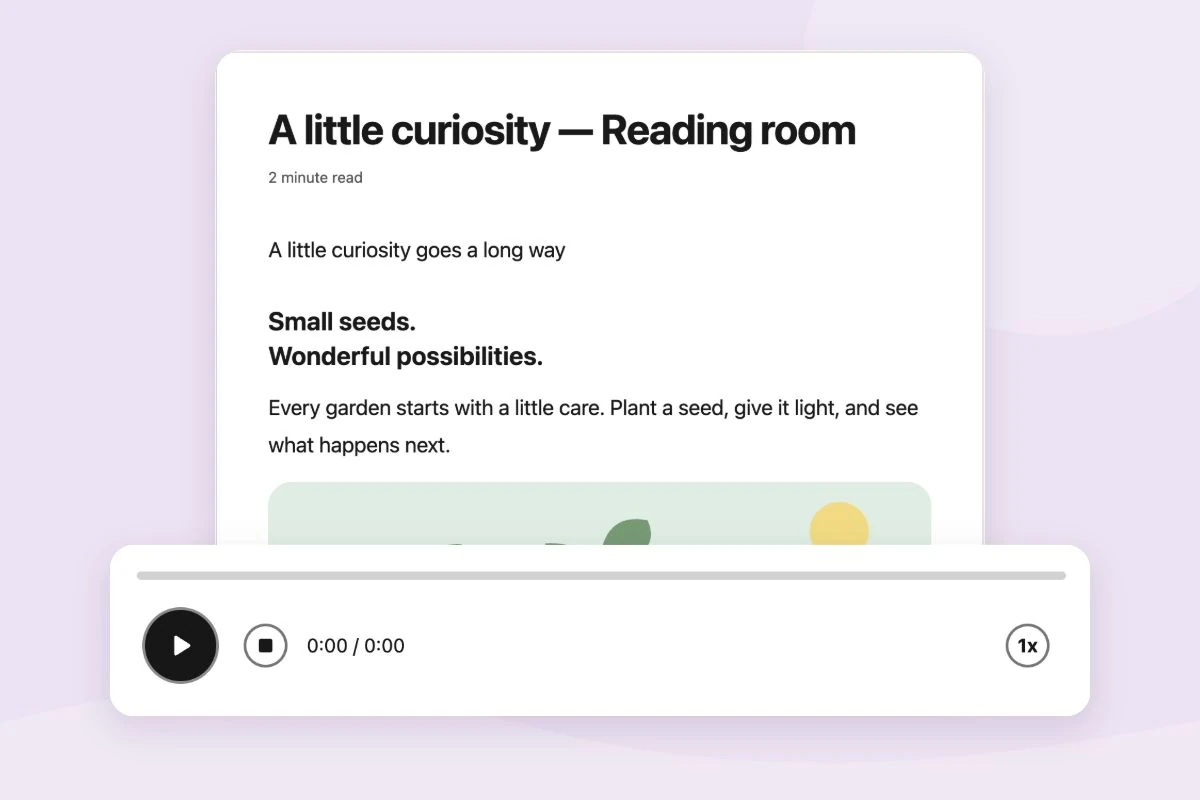
" Voice typing " Helperbird has that.

Helperbird is your all-in-one accessibility tool, designed to make web pages, PDFs, and documents easier to browse, read, and write. All personalized to your needs.

Rated 4.9 stars by over 1,000,000 people.
Gusto logo in orange text with a clean and simple font. Harvard University logo with a shield containing three open books and the Latin motto 'Veritas' beneath the name in a traditional font. Microsoft logo with a square divided into four smaller colorful squares and the company name in gray text. Shell logo featuring a bright yellow scallop shell outlined in red with the company name in bold red text. Uber logo in a bold, minimalist black font.

Over 1,000,000 users trust Helperbird.

Read our customer stories

Reading Features

At Helperbird, we've created reading tools that make reading online easier and more enjoyable for everyone.

See Reading Features

Distraction-Free Reading

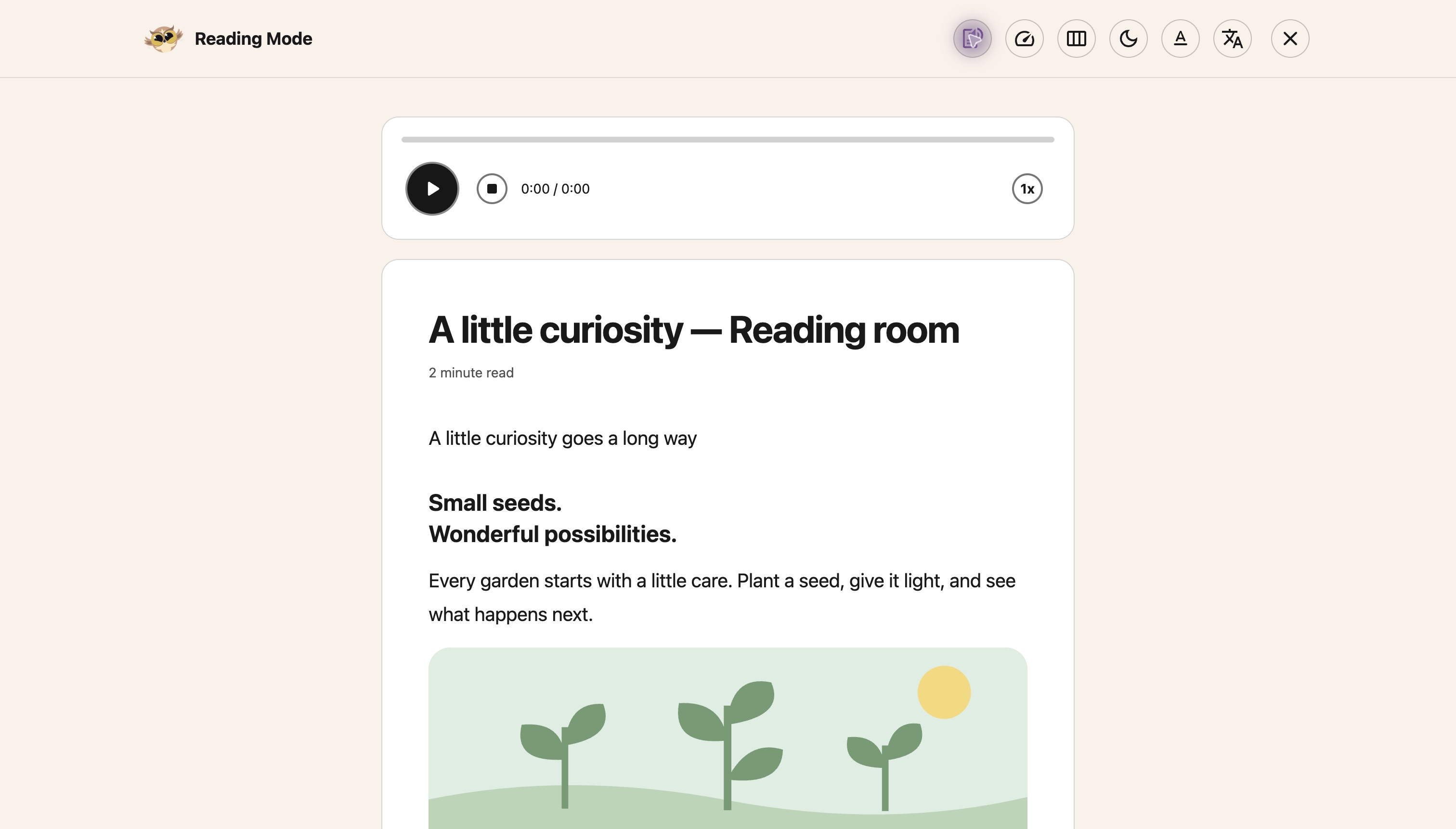
Tools like Reading Mode, Immersive Reader, and Highlight Menu help you focus on the content without distractions. Features like Simplify, dyslexia support and reading rulers are designed to fit your needs and make reading more comfortable.

Customization

You can customize everything. Customize fonts, colors, spacing, borders, and images to suit your preferences. Features like Picture Dictionary and natural Text-to-Speech voices make reading more personal and tailored to you.

Accessibility

Accessibility features like dyslexia-friendly fonts, text-to-speech, and background color options and more make online content easier and more inclusive for people with dyslexia and visual impairments.

Screenshot of the Ben & Jerry's website with Helperbird features enabled showing reading ruler and overlay menu

Writing Features

Helperbird's writing tools offer everything you need to write with accuracy and ease.

See Writing Features

Text-to-Speech and Voice Typing

Quickly dictate ideas with voice typing, or use text-to-speech to hear your work read aloud, making it easier to catch errors and refine your writing.

Spelling and Grammar Support

Our checker identifies mistakes and suggests fixes, helping you create polished, error-free writing.

Word Prediction and Note-Taking

Word prediction suggests words as you type, speeding up writing. Sticky notes and highlighting tools help you organize ideas, quotes, and references with ease.

Screenshot of Google Docs with Helperbird features showing word prediction and voice typing

All Things Accessibility

Our text-to-speech, dyslexia support, and accessibility tools ensure everyone can access and engage with web content their way.

See Accessibility Features

Dyslexia Support

Features like font and background color options, reading rulers, and picture dictionaries help improve reading and comprehension.

Immersive Reader & Paragraph Styling

Immersive Reader and paragraph styling tools offer a customizable, distraction-free reading experience to help you stay focused.

Keyboard Shortcuts

Keyboard shortcuts make it quick and easy to navigate and use Helperbird's features without a mouse or touchpad.

Color Overlays & Reading Ruler

Color overlays and reading rulers offer visual support for users with reading difficulties or visual impairments.

30+ Voices and Translation Support

Choose from over 30 voices and translate text into multiple languages to customize your reading experience.

Extract Text/OCR

Our advanced OCR feature converts images and scanned documents into editable text, paired with 30+ voices and translation support to enhance accessibility and understanding.

Highlighter & Page Summarizing

Highlight key information and summarize pages to take notes efficiently and quickly grasp the main points of any article.

And Many More Features

Access over 30 tools, including customizable themes, a picture dictionary, and text-to-speech, to improve your online experience.

Helperbird Features

Helperbird offers over 30 tools to make the web easier to use your way. Customize the web to your needs with features like Immersive Reader, dyslexia support, text-to-speech, word prediction, voice typing, and more.

All designed to help with accessibility, reading, writing, and productivity.

Questions & Answers

If you have any other questions, please get in touch.

What is Helperbird?

Helperbird is a browser extension that makes websites, PDFs, and documents easier to read. It includes text-to-speech, dyslexia-friendly fonts, reading guides, and many other tools to help you read and write online.

How do I install Helperbird?

Visit your browser's extension store (Chrome, Firefox, Edge, or Safari), search for 'Helperbird', and click 'Add to Browser'. Once installed, you'll see the Helperbird icon in your toolbar.

Is Helperbird free?

Yes! Helperbird has a free version with essential features that will always be free. We also offer Helperbird Pro with advanced tools for $6.99/month or $29.99/year.

How do I log in to Helperbird?

Click the Helperbird icon, go to Settings, and log in using your browser's email account. If you have a subscription key, you can enter it there too.

Can Helperbird read text out loud?

Yes! Select any text on a page, right-click, and choose 'Text to speech' from the Helperbird menu. You can also use the play button in the Helperbird panel.

What People Are Saying About Helperbird

Join over 1,000,000 people who use Helperbird to make the web easier and more productive. Try it today and see why they love it!

It's just a one-stop solution if I want to customize my page. With very good UI design."

Photo of Helperbird Pro user g2.com review
g2.com review
Verified User in Design

wonderful"

Photo of Helperbird Pro user Ayman Mahrous
Ayman Mahrous
Helperbird user

I have been trying to find ways to make my child happy to go to school again, and someone recommended helperbird. She loves helperbird, and she is now much happier about the idea of returning to school. I think this might be a game changer, as they do so much web based schoolwork and research. She says they really understand people with dyslexia"

Photo of Helperbird Pro user Cris Townley
Cris Townley
Parent

Let me tell you, I didn't know how badly I needed this until I got it. It was much like when I got glasses, I had just assumed that was how everyone saw the world...then it wasn't. Thank you Helperbird for the efforts you put forth in this lovely extension for everyone to use. The fact that you can use so much on the free just goes to show that this is something to help aid people not just some money grab. However with the pricing it still couldn't be a money grab. Thank you all again for the efforts you put forth so others can enjoy the internet more fully."

Photo of Helperbird Pro user Matthew Burns
Matthew Burns
Health care worker
Helperbird logo: Stylized owl with large yellow eyes and a beige face, against a green background.

Download Helperbird!

Want to make browsing easier and more accessible? Helperbird has everything you need! With tools like Text to Speech , Immersive Reader , and more.