

Spotlight the Line You're Reading
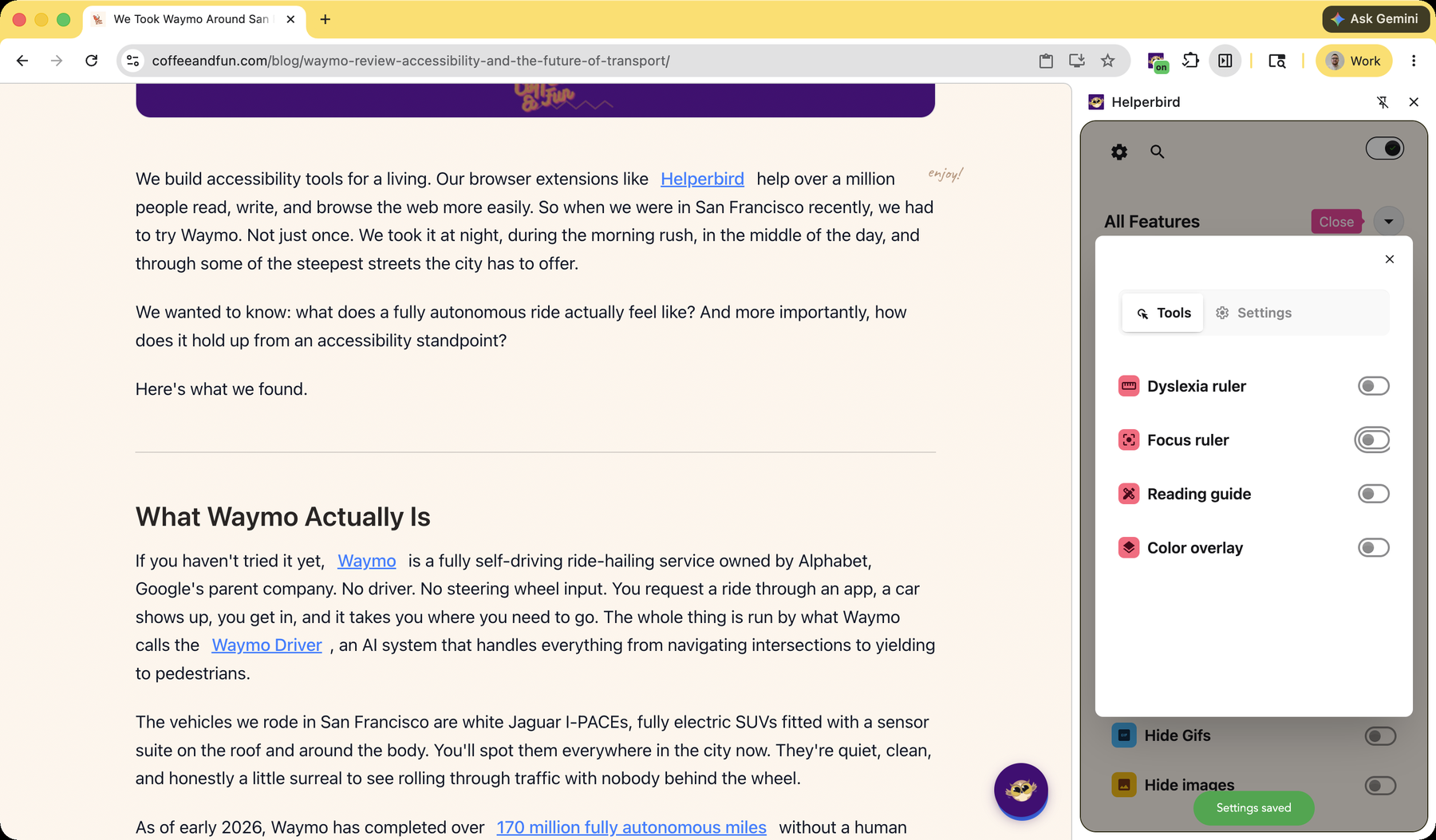
The Focus Ruler dims the whole page except a clear horizontal band, so the line you're reading stands out and everything else fades into the background. It's a digital version of the typoscope — a card with a window cut out — that readers have leaned on for decades.
Learn how to use the Focus Ruler
Related features
- Dyslexia Ruler - A colored bar that highlights the line you're reading.
- Reading Guide - A cursor-following horizontal line to keep your place.
- Color Overlay - Add a colored tint over the whole page to reduce visual stress.
- Reading Mode - Strip a page back to clean, distraction-free text.
What You Can Customize
Height: Set how tall the focus band is — a single line or a few at a time.
Width: Cover the full page width or just the column you're reading.
Colour and dimming: Choose the tint and how much the rest of the page dims.
Why It Helps
A busy page pulls your eyes everywhere at once. The Focus Ruler removes that noise — it darkens everything but the band you're reading, so your attention stays in one place. It makes a real difference when working through long articles.
Who Uses This
People with ADHD who are easily pulled away by the rest of the page.
Readers with dyslexia who lose their place in dense text.
Anyone reading something long who wants to block out distractions.
Is This Free?
Yes. The Focus Ruler is free in Helperbird.
