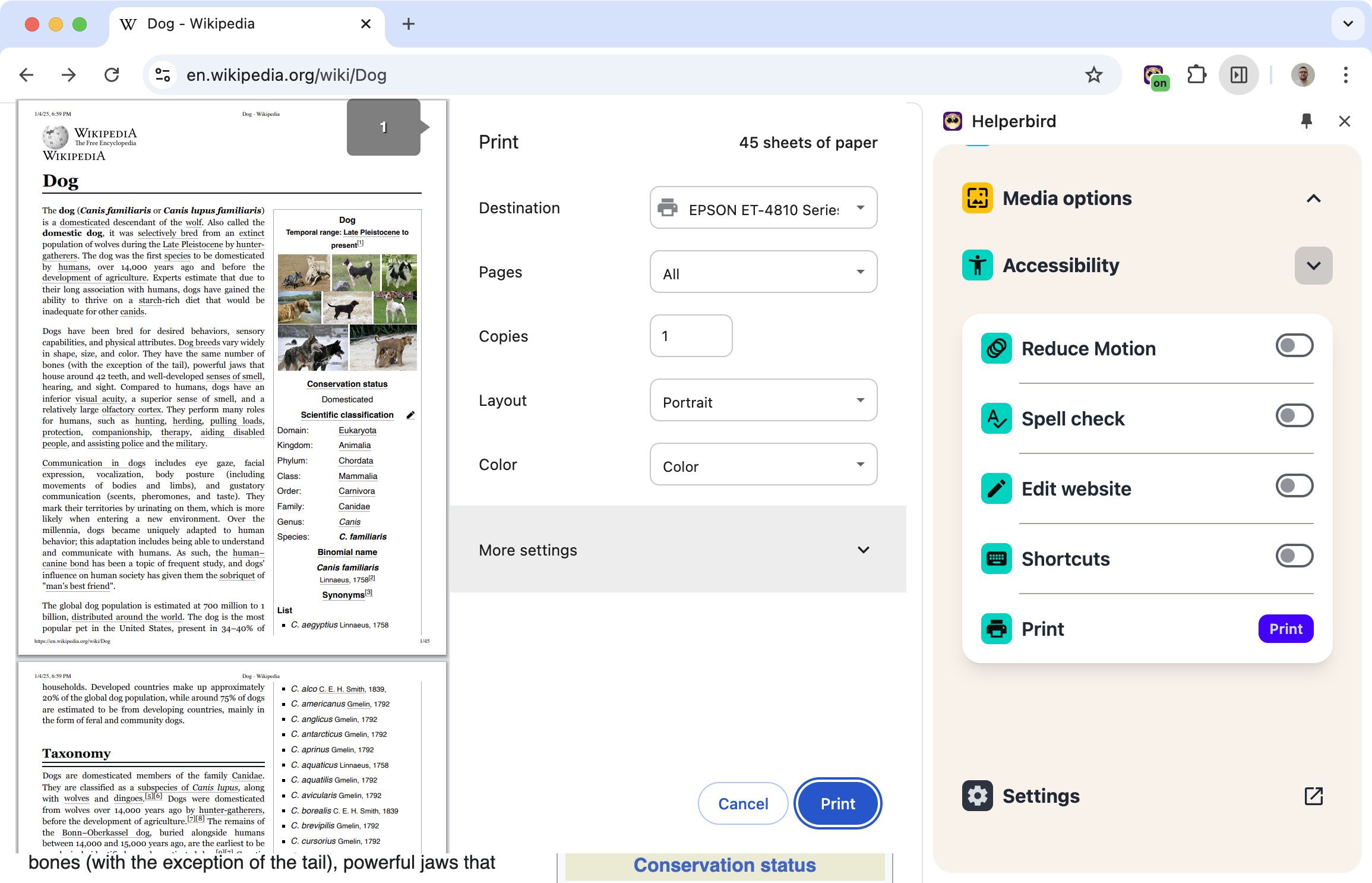
Print Without the Mess
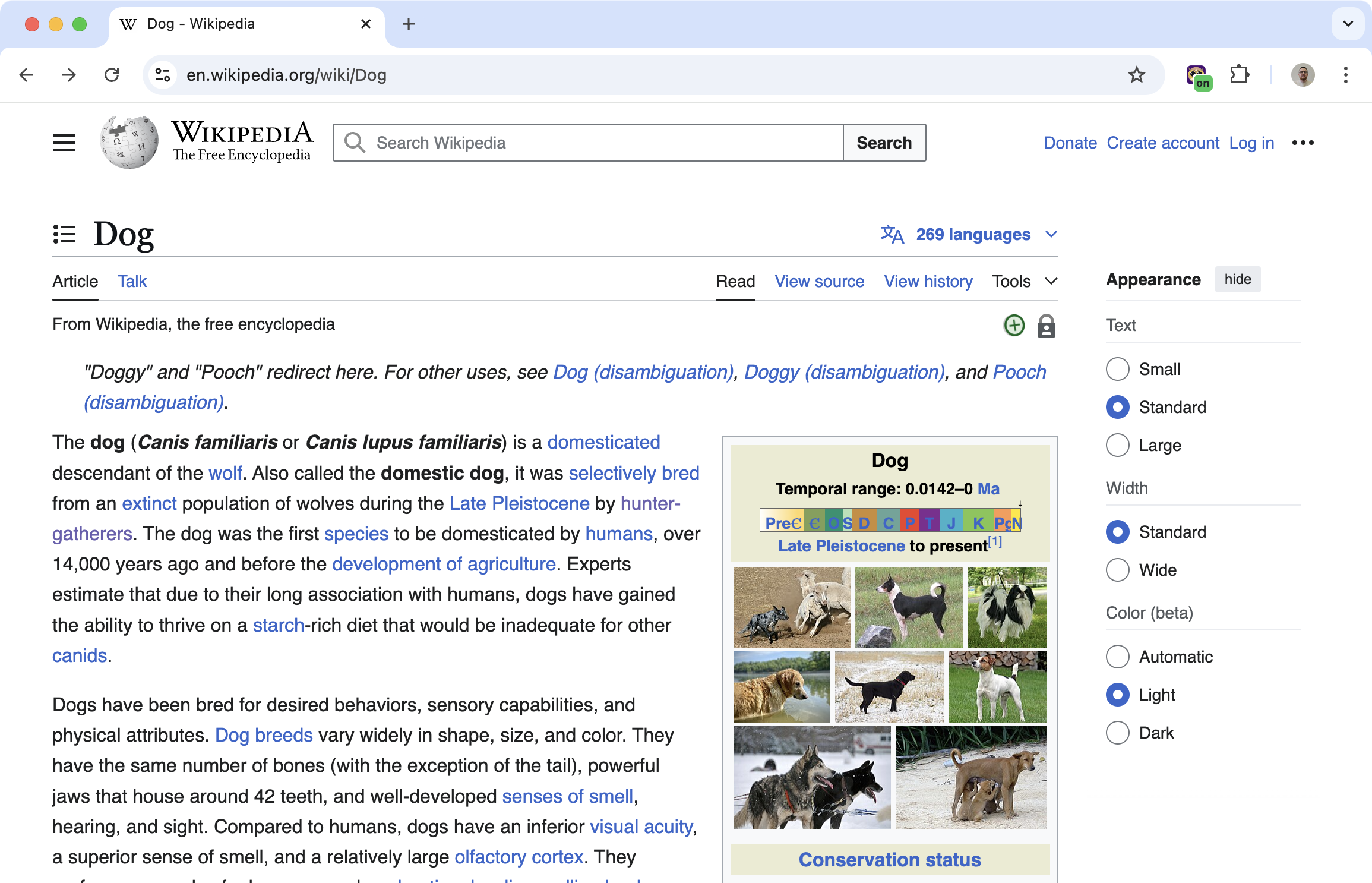
Printing web pages usually means printing ads, navigation menus, sidebars, and comments along with the article you actually want. Wasted paper, wasted ink.
Quick Print gives you a clean printout. One click, and you're printing what matters.
Related features
- Screenshot Tool - Capture webpage content digitally instead of printing for digital sharing.
- PDF Reader & Annotator - View and annotate PDFs before printing for better document management.
- Reading Mode - Clean up articles in reading mode before printing clean documents.
What You Can Print
Whole page: Print everything on the page with cleaner formatting.
Selected text: Highlight the part you want, then print just that.
Either way, you get a readable printout without the website clutter.
Why This Is Better Than Ctrl+P
The browser's built-in print function just prints what it sees. Ads, menus, everything. Quick Print is smarter about what actually needs to be on paper.
Less wasted paper. Less wasted ink. Cleaner results.
Who Uses This
Students printing articles and study materials.
Teachers printing handouts from web resources.
Home cooks printing recipes without the life story and ads.
Anyone who prints web content and is tired of wasting paper.
Is This Free?
Yes. Quick Print is free in Helperbird.

