When Text Is Too Hard to Read
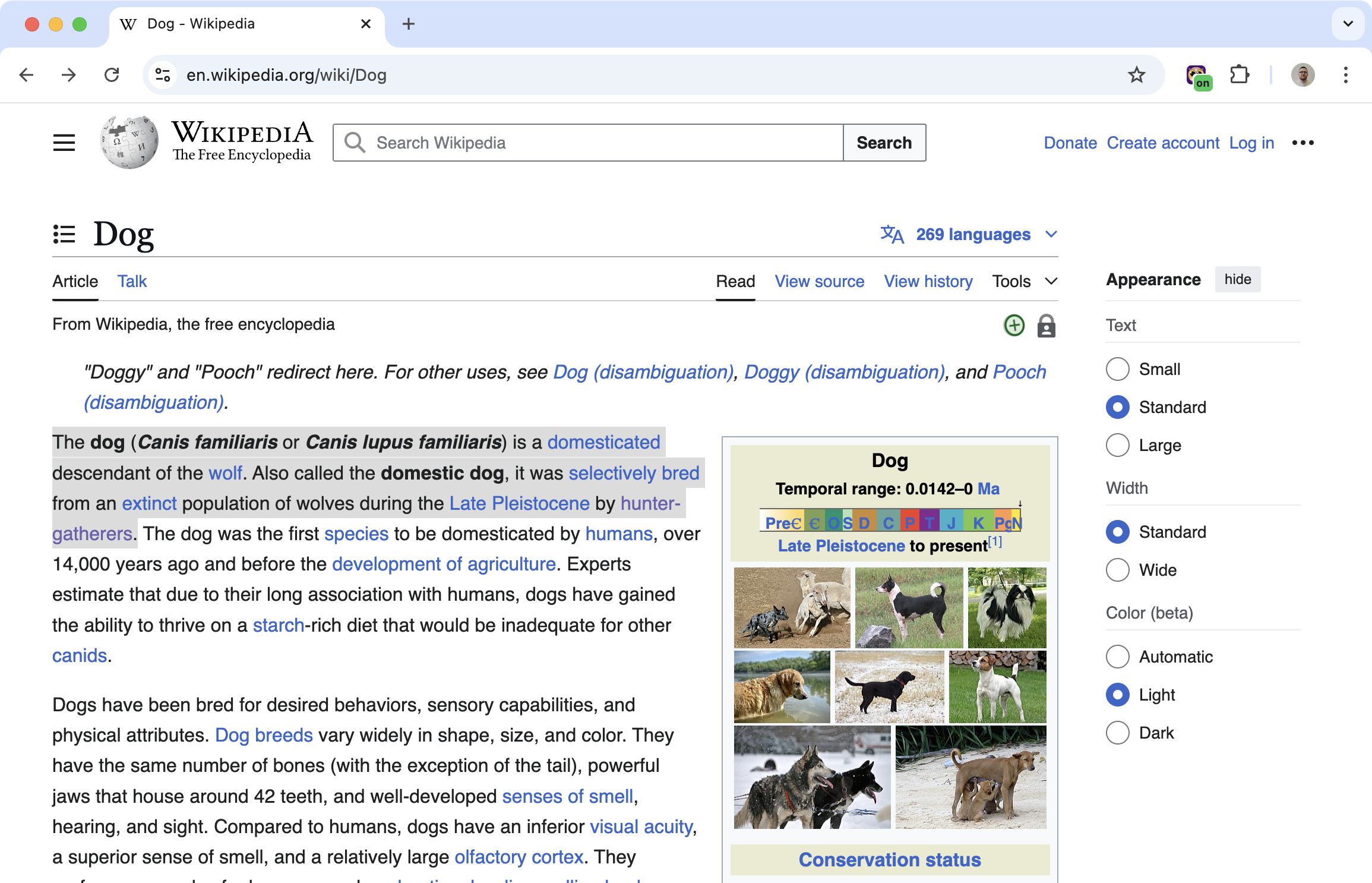
Some content is written in a way that makes it unnecessarily difficult. Long sentences, technical jargon, complex vocabulary. The meaning is buried under words you have to struggle through.
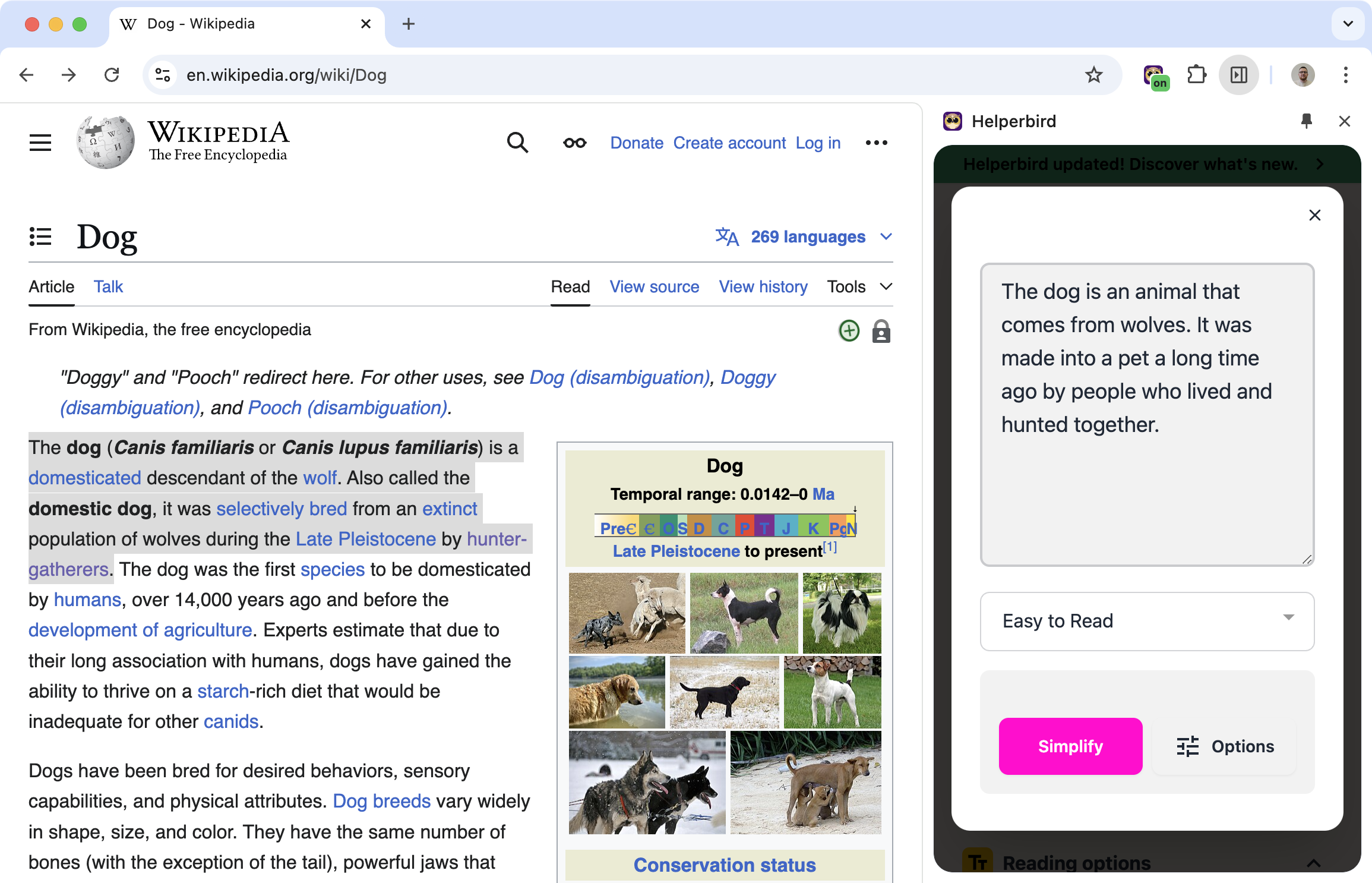
Simplify text takes that content and rewrites it at a reading level you can understand. Same information, easier words.
Related features
- Summarizing Tool - Get key points from articles without reading the entire content.
- Google Translate - Translate difficult text into your preferred language.
- Immersive Reader - View simplified text in a clean, distraction-free format.
How It Works
Select text on any webpage. Choose the reading level you want. Helperbird rewrites the content:
- Long sentences become shorter ones
- Complex words become simpler alternatives
- The meaning stays the same, but it's easier to follow
Choose Your Reading Level
Pick the level that works for you:
- Elementary: Simple words and short sentences
- Middle school: More vocabulary, still accessible
- High school: Standard complexity
- Original: No changes, just the original text
Different content might need different levels. Adjust as you go.
Who Uses This
Language learners reading content in a language they're still learning.
Students dealing with difficult academic texts.
People with cognitive difficulties who benefit from simpler language.
Anyone who just wants to understand something without fighting through complex writing.
Is This Free?
Simplify text is a Pro feature in Helperbird.

