Catch Mistakes Before You Send
Typos happen. Grammar mistakes slip through. Usually you only notice after you've hit send.
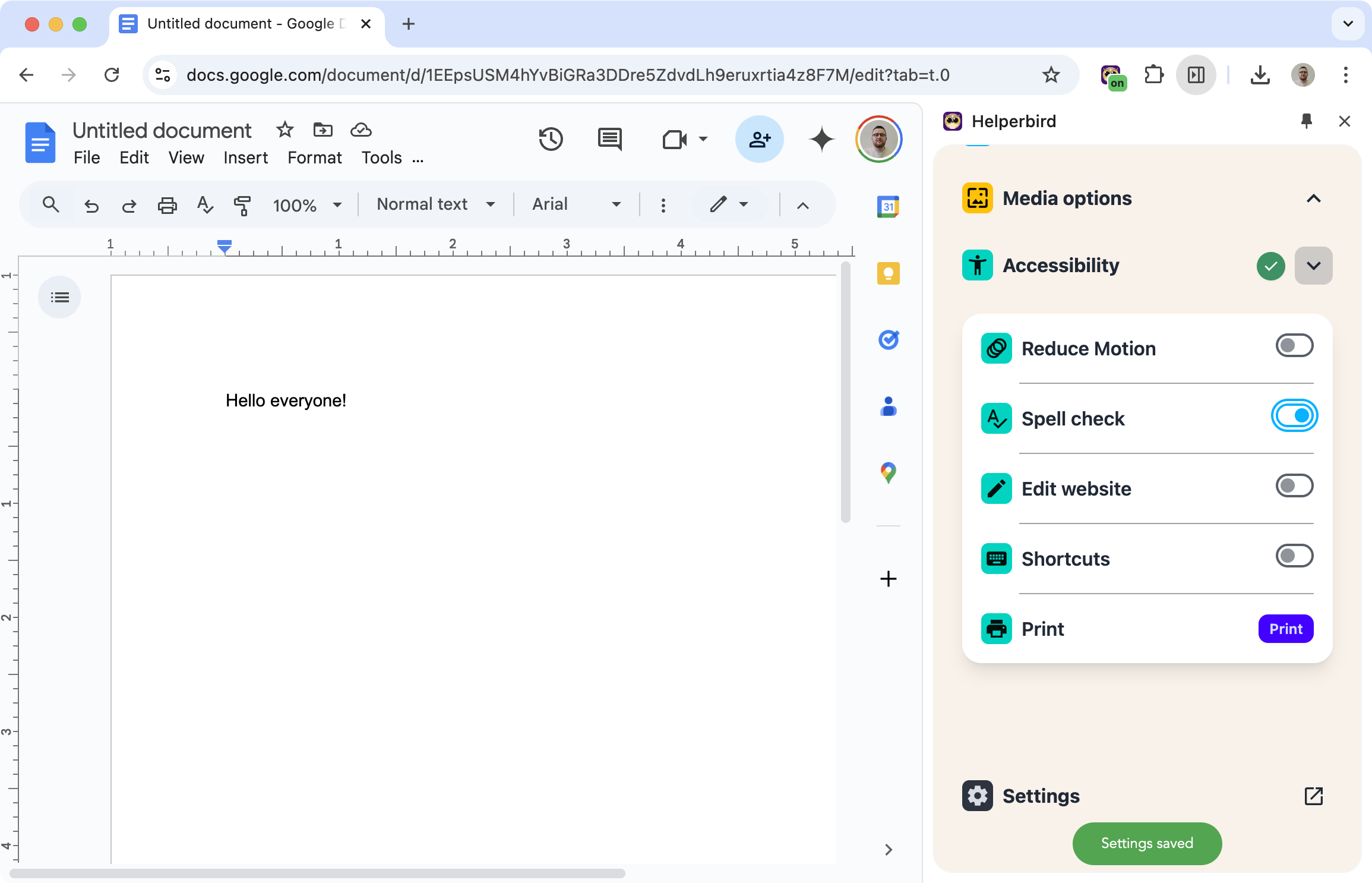
Spell check switches on the spell checker already built into your browser, for the whole page. Misspelt words get the red wavy underline as you type. Grammar is a separate feature that checks a passage when you press Check.
Learn how to use the Spell Checker
Related features
- Word Prediction - Get typing suggestions that help prevent misspellings before they happen.
- Voice Typing - Reduce typos entirely by speaking your message instead of typing.
- Dictionary - Look up definitions to use the right word with confidence.
Where It Works
Gmail: Check your emails before sending.
Web forms: Anywhere you type online.
Most text fields: If you can type there, the spell checker can help.
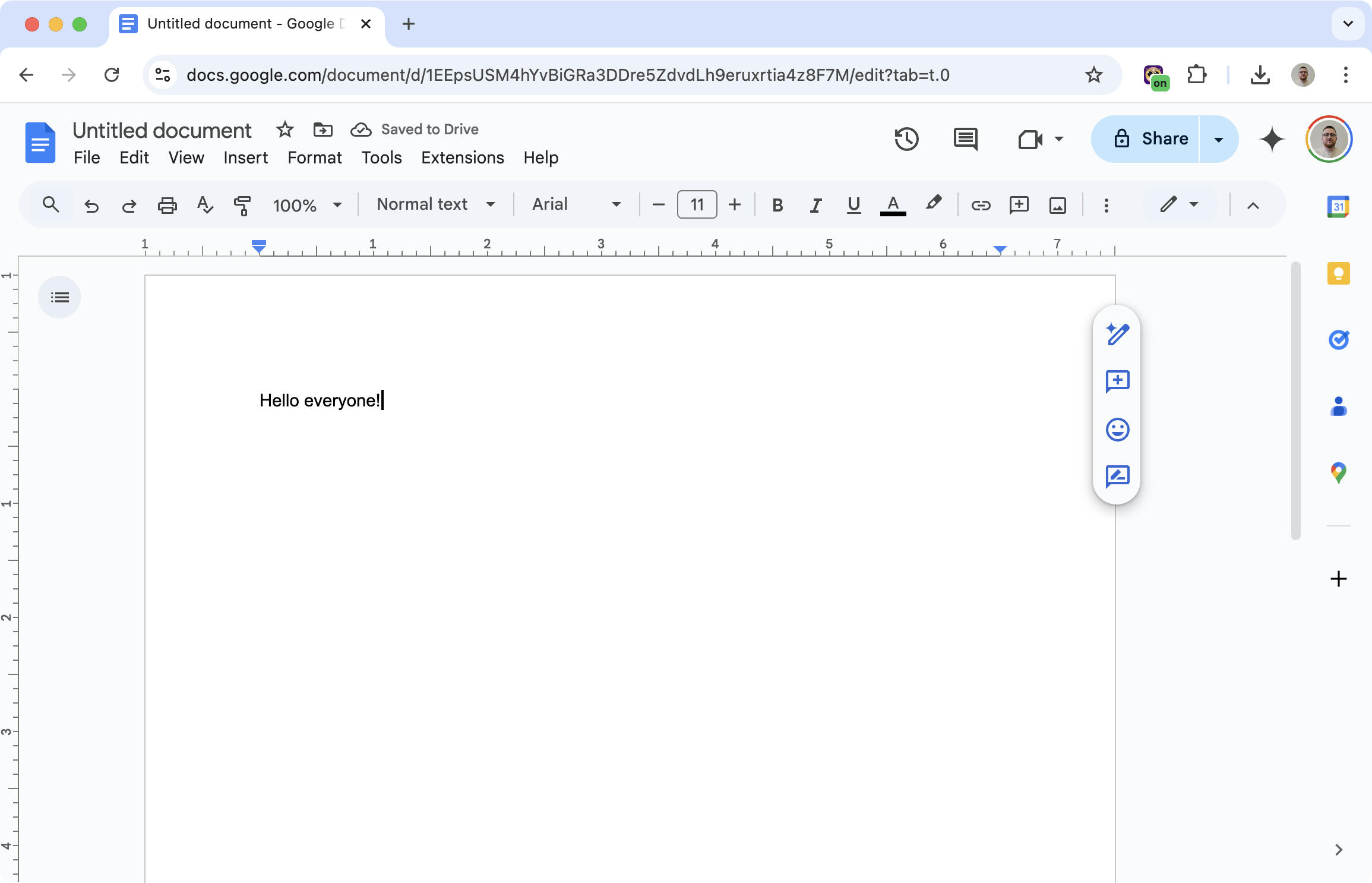
Not Google Docs: Google Docs draws its own text instead of using a normal text box, so no browser spell checker reaches it.
What Gets Checked
Spelling: Misspelt words get the familiar red wavy underline as you type. Right-click one and your browser offers corrections.
Boxes that leave the setting alone: Spell check sets the attribute on the page body, so text boxes that do not set their own value pick it up. A box where the site explicitly switched spell checking off keeps its own setting and stays off.
Your browser's own checker: Helperbird switches on the spell checker already built into Chrome, Edge, Firefox or Safari. Nothing you type is sent anywhere.
Grammar is a separate Helperbird feature. You paste or select a passage, press Check, and it comes back with the grammar, spelling and punctuation corrected. It does not change your meaning or tone, it does not run as you type, and the passage goes to OpenAI for the check. See how to check grammar and spelling.
Who Uses This
Students writing essays and assignments.
Professionals sending emails and reports.
Writers who want a safety net for typos.
Anyone with dyslexia who benefits from spelling support.
Is This Free?
The spelling and grammar checker is a Pro feature in Helperbird.


