
Make Websites Look the Way You Need
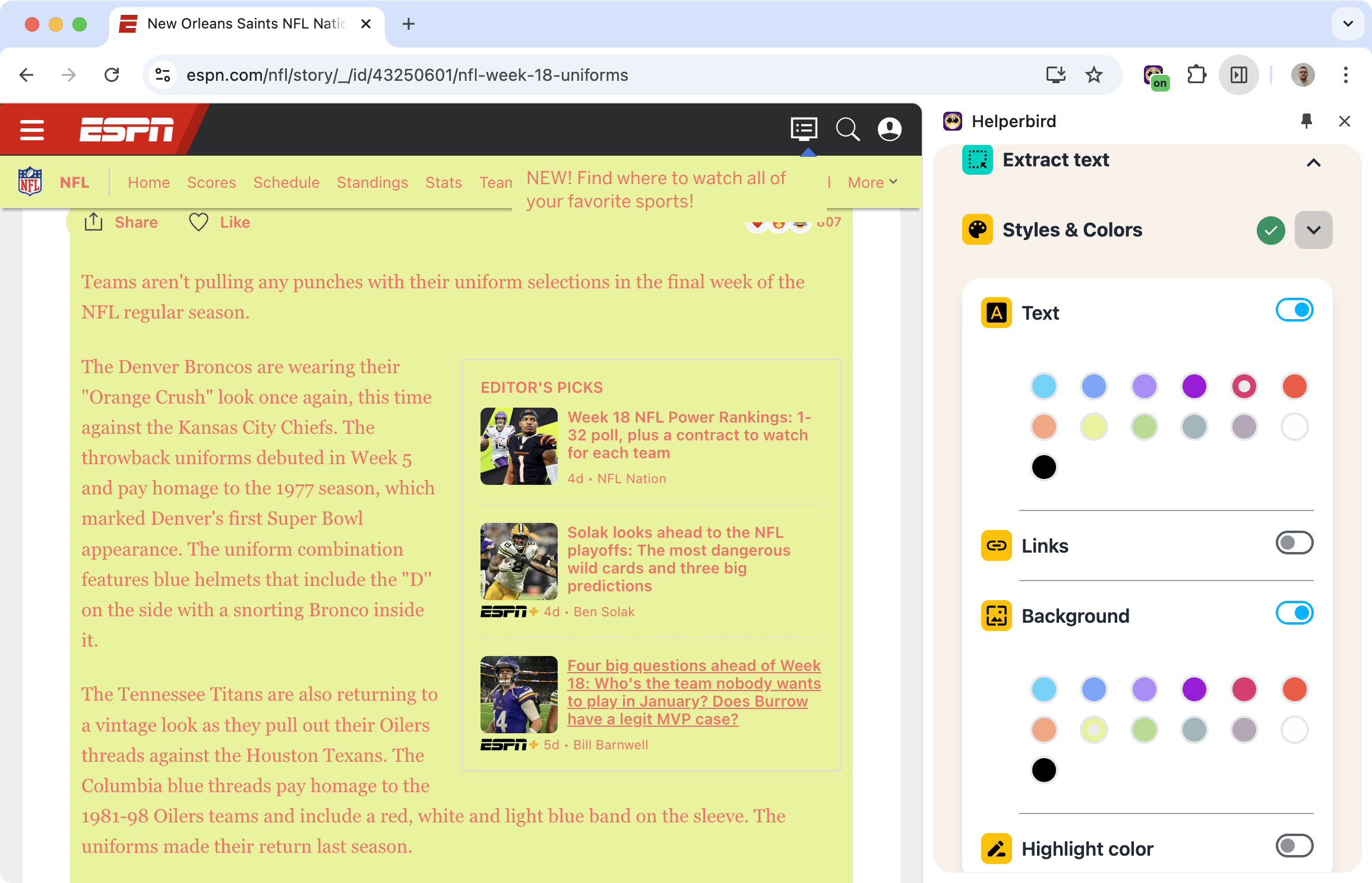
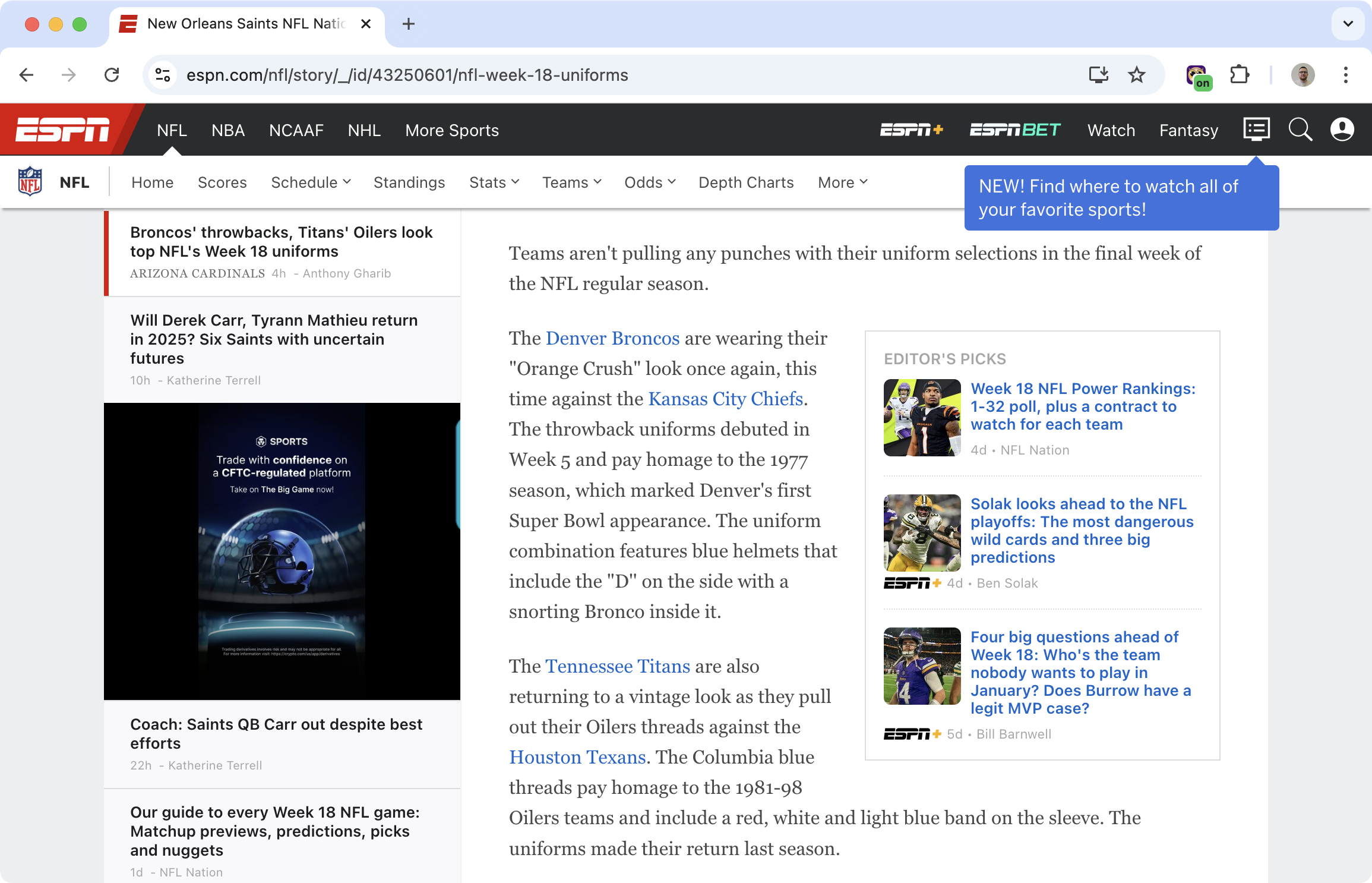
Some websites have terrible color choices. White text on light gray backgrounds. Links you can't distinguish from regular text. Glaring white backgrounds that hurt your eyes.
Custom colors lets you override all of that. Pick your own text color, background color, and link colors. Make every website readable.
Related features
- Text Alignment - Combine color changes with text alignment preferences for better visual hierarchy.
- Font Size Control - Increase font size along with custom colors to reduce eye strain.
- High Contrast Mode - Use contrast enhancement alongside custom colors for maximum visibility.
What You Can Change
Text color: Make body text whatever color is easiest for you to read.
Background color: Cream, gray, blue, black - whatever reduces strain.
Link colors: Make links stand out so you can actually find them.
Visited link colors: See which links you've already clicked.
Dyslexia-Friendly Presets
Not sure what colors work best? Helperbird includes preset color combinations that research suggests help with dyslexia:
- Cream background with dark text
- Blue background with yellow text
- Light yellow background with black text
Try different combinations to find what works for you.
Who Uses This
People with dyslexia who find certain color combinations easier to read.
Users with visual sensitivities who need to reduce glare.
Anyone who finds default website colors hard to read.
Is This Free?
Custom colors are free in Helperbird.


