
Quick Stats on Any Text
Need to know how many words are in an article? Curious how long something will take to read? Want to check if your writing meets a word count?
Helperbird's text statistics tool gives you instant numbers. Select any text on a website or PDF and get a breakdown of words, characters, sentences, and reading time.
Learn how to use text statistics
Related features
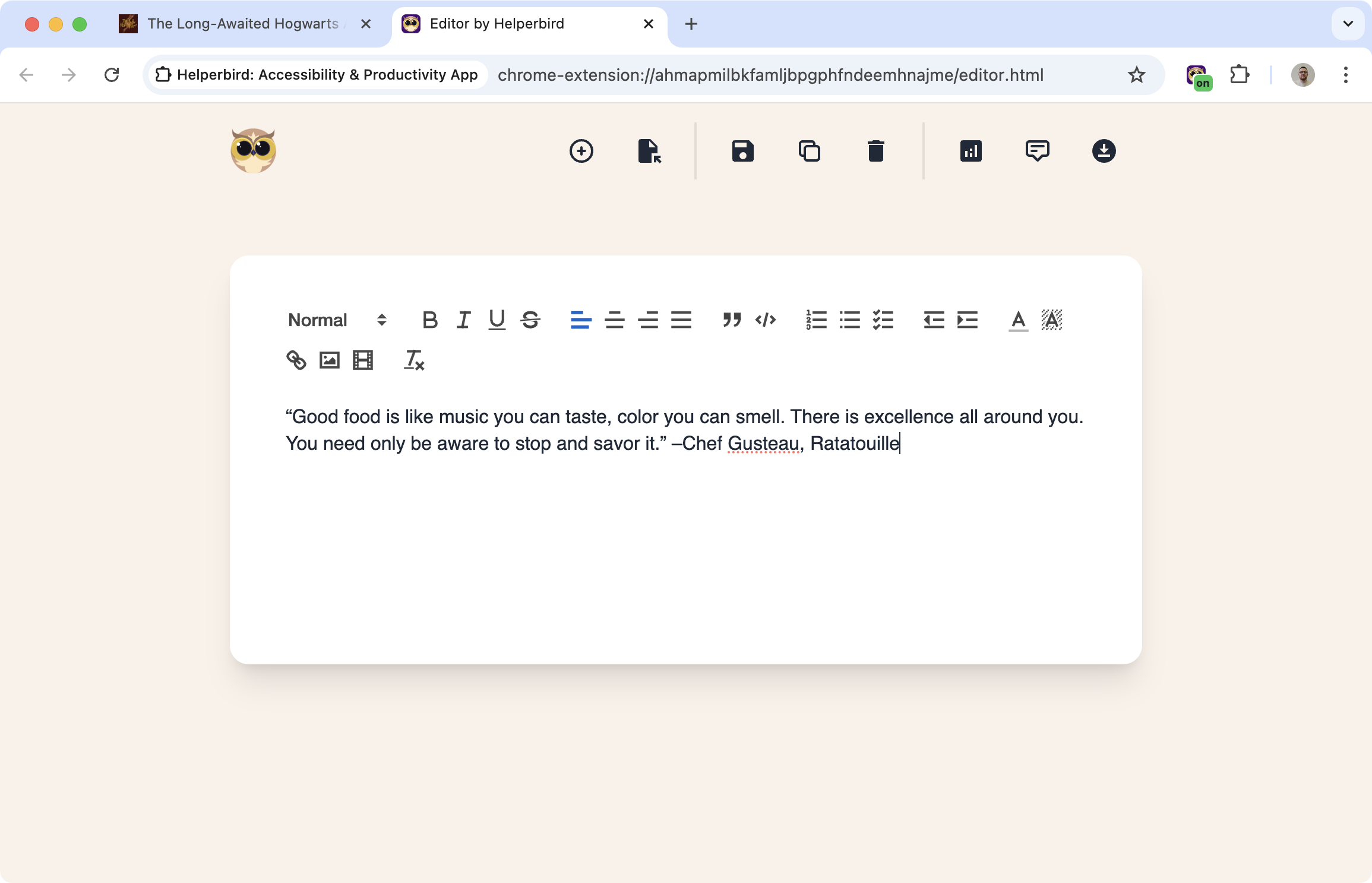
- Notepad - Track word counts as you write and export your work in multiple formats.
- Spelling & Grammar Checker - Check grammar while the text analyzer shows you reading complexity metrics.
- Word Prediction - Write efficiently and then analyze your text statistics to measure progress.
What You'll See
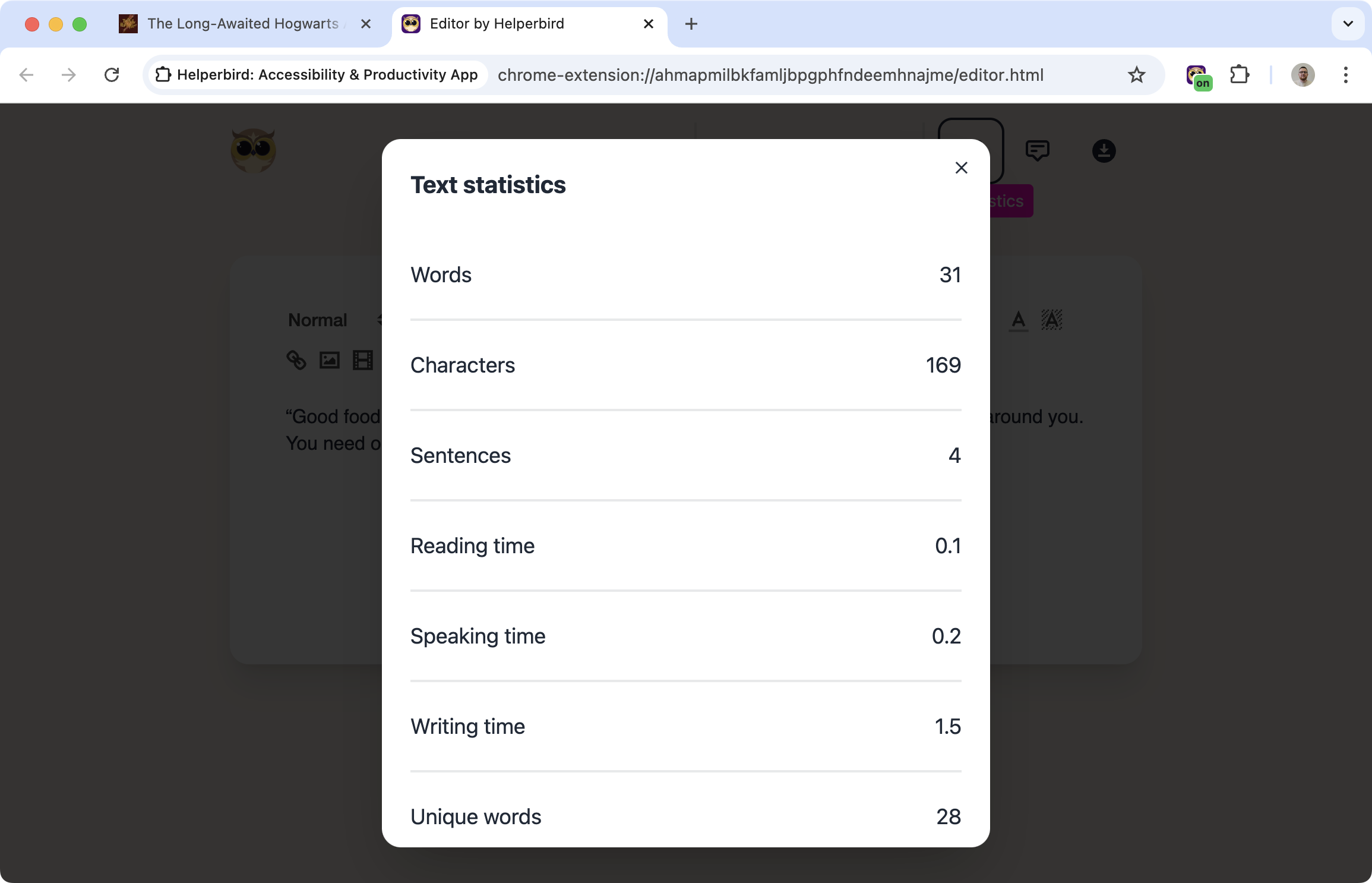
When you analyze text, Helperbird shows you:
- Word count: Total number of words
- Character count: With and without spaces
- Sentence count: How many sentences in the selection
- Reading time: Estimated minutes to read at average speed
- Unique words: How many different words are used
- Average word length: Helpful for checking complexity
All the numbers appear in one panel, so you can see everything at a glance.
Practical Uses
Checking article length: See how long a blog post or news article actually is before committing to read it.
Meeting word limits: Writing an essay with a 500-word limit? Select your text and check instantly.
Estimating reading time: Useful when you're deciding whether to read something now or save it for later.
Analyzing writing style: High unique word count usually means more varied vocabulary. Short average word length often means simpler writing.
Who Uses This
Students checking if their essays meet word count requirements.
Writers tracking progress on articles, blog posts, or reports.
Editors analyzing text complexity and length.
Anyone who wants to know how long an article will take to read.
Is This Free?
Text statistics is a Pro feature in Helperbird.
