Customer Stories
Real stories from real people on how Helperbird is changing their lives.

How Virtual Learning College Uses Helperbird
When every lesson happens in a browser tab, the browser is where accessibility has to live. Virtual Learning College is using Helperbird to make that true for their learners.

Is Assistive Technology Cheating?
The question is not whether the tool helps. Of course it helps. The question is what the task was measuring in the first place.

Is AI Summarizing Doing the Work For Students?
Of the common AI accommodations, this is the one where the teacher's worry is sometimes correct. Here is how to tell the difference.

Helperbird Never Gives Students the Answer
Every AI tool in Helperbird points at the source material the student is already looking at. None of them point at the question they have been asked.

Does Voice Typing Stop Students Learning to Write?
Writing is two jobs happening at once - working out what to say, and getting it onto the page. Voice typing removes one of them. Which one matters.

Does Text to Speech Stop Students Learning to Read?
Reading is decoding plus comprehension. Text to speech bypasses decoding and leaves comprehension entirely intact - which is usually the part being taught.

Disability Services & Helperbird
University disability services offices can enhance accommodations by deploying Helperbird on campus computers and recommending it to students.

Text-to-Speech for Better Reading
Text-to-speech technology is transforming how kids learn to read by building decoding skills and reducing cognitive load.

Accessibility on School Chromebooks
A practical guide for teachers to deploy accessibility tools that help struggling readers and writers succeed.

Reduce Screen Fatigue
Remote workers are experiencing unprecedented eye strain and fatigue. Learn practical strategies to reduce screen fatigue and work more comfortably.

Setting Up Helperbird for Kids
A straightforward guide for parents on installing Helperbird and choosing the right accessibility features to support your child's reading and learning at home.

Reading with ADHD Online
Stop losing focus while reading. These browser tools help you stay engaged and actually finish articles.

Libraries & Accessibility
Public libraries are installing Helperbird on all public computers to ensure digital resources are accessible to every patron.

Helperbird on Google Workspace
Learn how Helperbird's browser extension and native Google Docs/Slides add-ons work together to support accessibility across the entire Google Workspace ecosystem.

WCAG Compliance & Accessibility
Making your website accessible requires both server-side compliance and user-side tools. Here's how Helperbird fills the gap.

Helperbird for IEPs and 504 Plans
Helperbird maps directly to common IEP and 504 Plan accommodations. Discover how to implement accessible technology across your school.

Browser Tools for ELL Students
Reading in English online just got easier. Use your browser to translate, simplify, and hear pronunciation.

Free Accessibility Features
Helperbird offers a comprehensive suite of free accessibility features that work instantly on every website you visit.

Chrome Extensions for Dyslexia
Struggling to read online? These 10 Chrome extensions make reading easier for students with dyslexia.

How Libraries and Community Centers Use Helperbird to Support Senior Visitors
Learn how public libraries and community centers deploy Helperbird on shared computers to make digital resources accessible for senior citizens and older adults.

How Helperbird Supports Senior Citizens at Legal Aid Kiosks
Learn how Helperbird makes legal aid kiosks more accessible for senior citizens with text-to-speech, larger text, reading support, and simplified layouts.

How Helperbird Makes Everyday Web Browsing Easier for Seniors
Discover how Helperbird helps senior citizens browse the web more comfortably with larger text, text-to-speech, simplified pages, and reading tools.
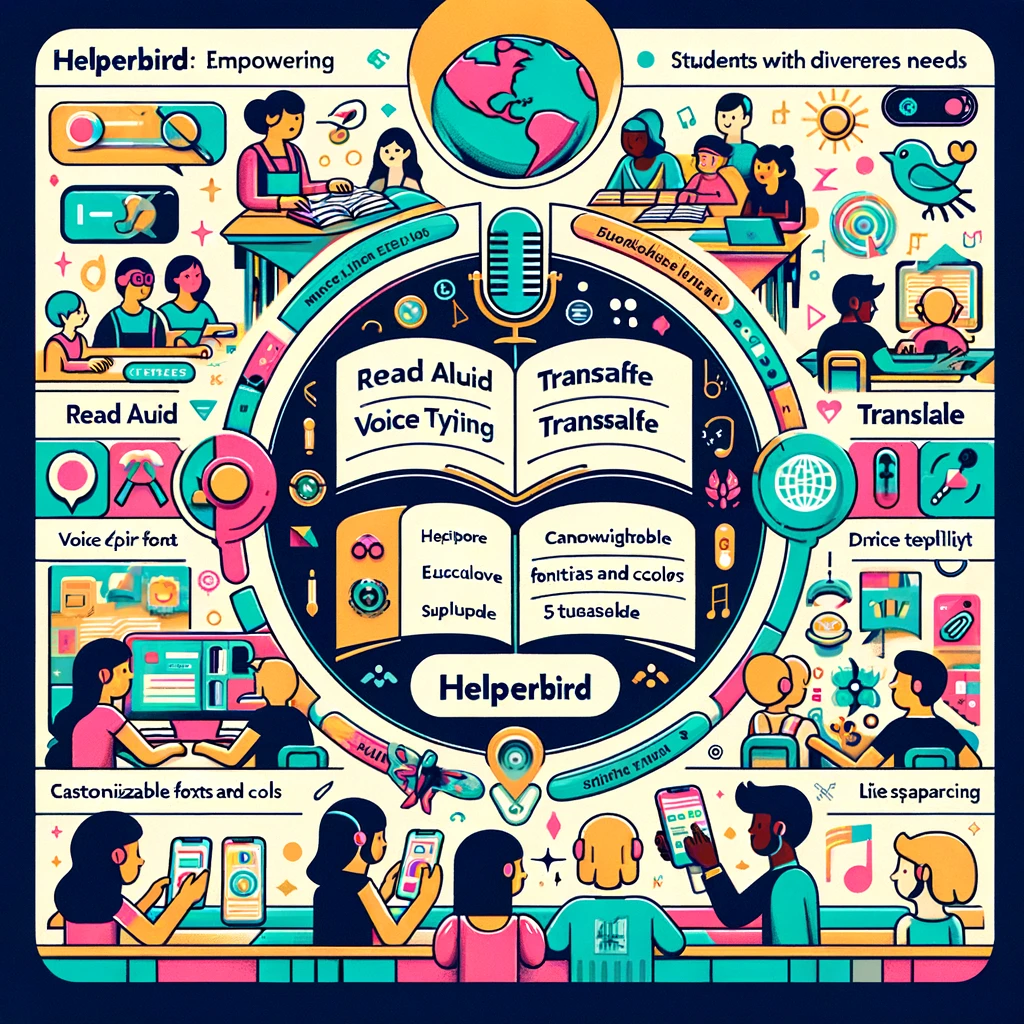
Empowering Diverse Learners - Patricia's Story with Helperbird
Patricia Ferris, an experienced teacher, transforms her classroom with Helperbird's accessibility tools, fostering independence and confidence among her students with diverse needs.
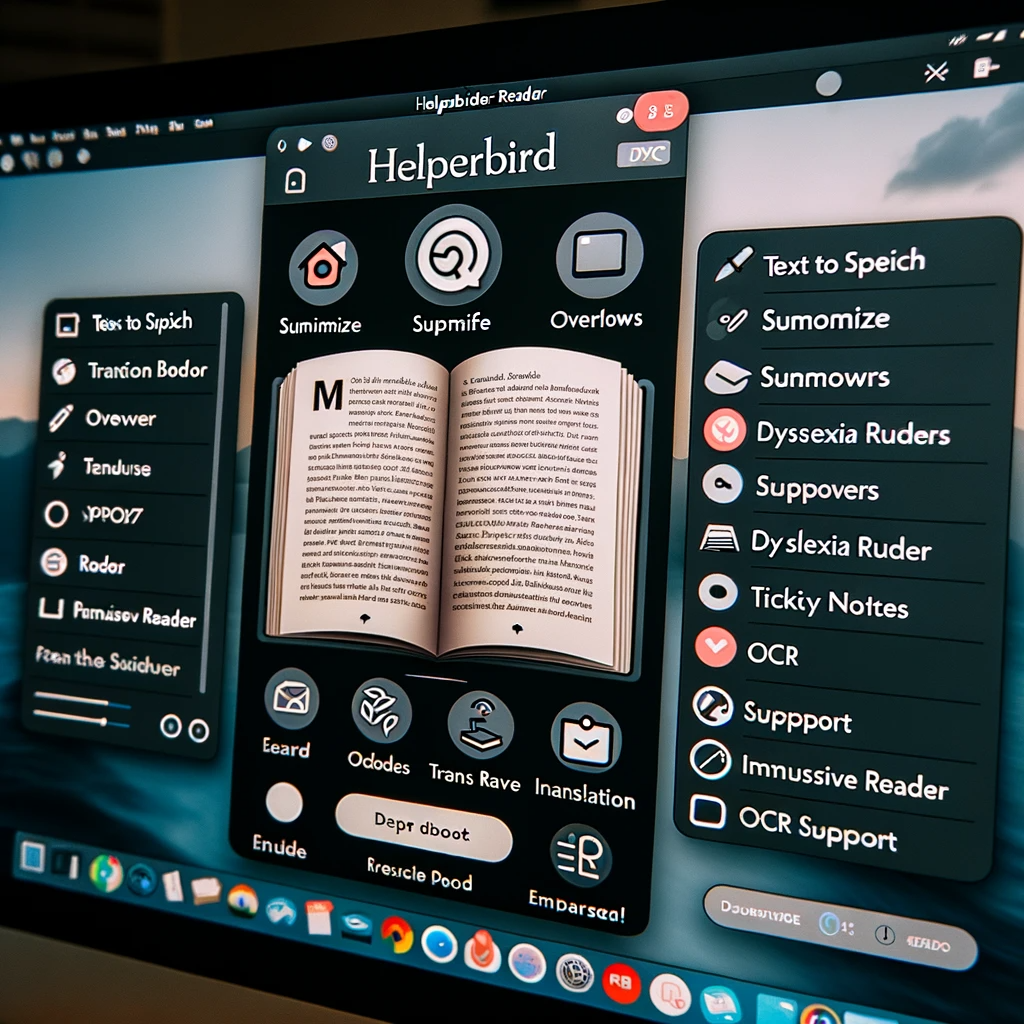
Making PDFs Easier with Helperbird's PDF Reader
Discover how rory, a hardworking professional, used Helperbird's PDF Reader to make dealing with PDF documents simpler and faster.
Improving Marketing Workflows with Helperbird’s Immersive Reader
Discover how Alex used the Read Aloud and Text Spacing features to simplify his workload and manage campaigns more efficiently with Helperbird.
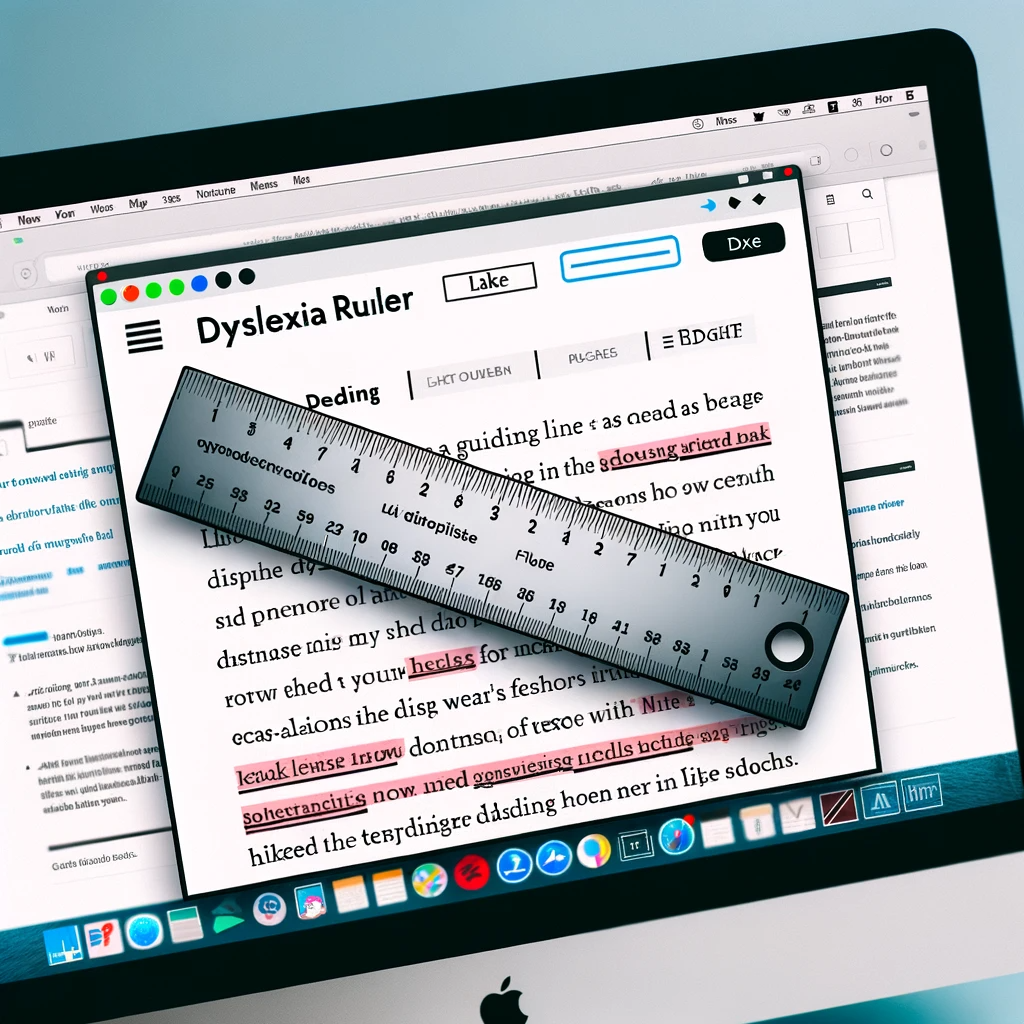
How Helperbird Transformed a Student's Academic Experience
Discover Jamie's inspirational story of overcoming reading challenges with the help of Helperbird's innovative features. Learn how the dyslexia ruler and Lexend font made a significant difference, and our commitment to protecting user identities while sharing their successes.
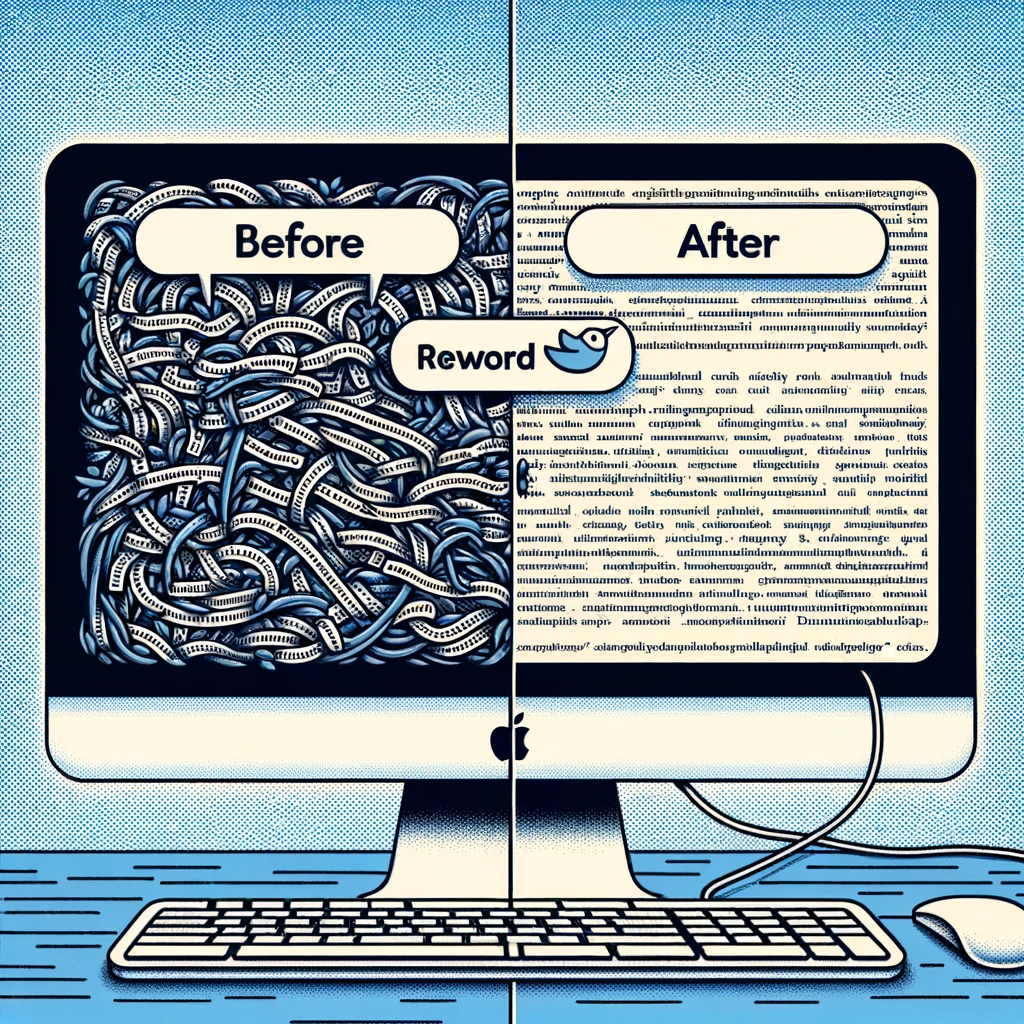
Helping Students with Helperbird’s Reword Feature
Dive into Alex’s transformative marketing journey with Helperbird's Immersive Reader. Learn how the Read Aloud and Text Spacing features significantly eased his workload, enabling more efficient and effective campaign management.
No story matches that yet
Try other words, or clear the search to see every story again.

Download Helperbird
Text to speech, dyslexia fonts, reading rulers, color overlays and more. Over 40 tools in all.
Free to add, and the everyday tools stay free.
No account needed. Works in Chrome, Edge, Firefox and Safari.