Voice typing Helperbird Pro
Speak your
first draft.
Turn a spoken thought into text. Choose your language, start the microphone, and let the words come.
Explore voice typing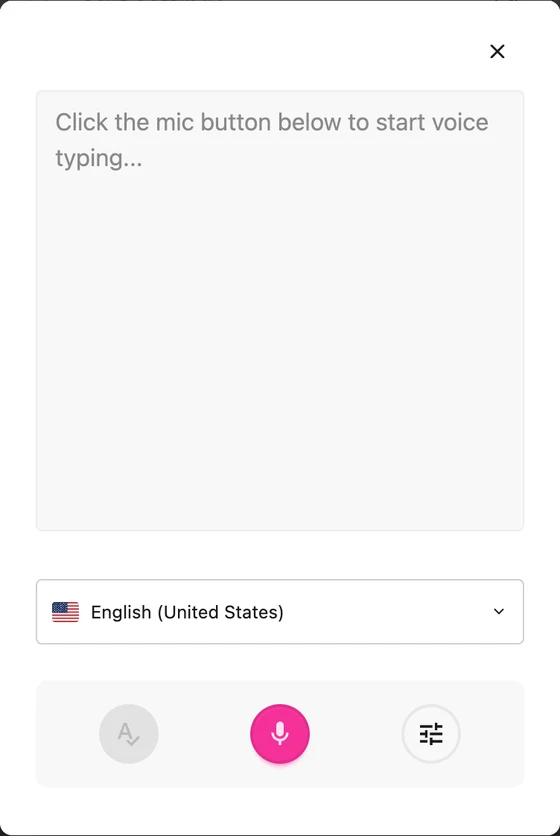

Helperbird for Firefox
Reading, writing, and accessibility tools for Firefox. Listen to the web, make text comfortable, and give your ideas a place to grow.
No account needed.
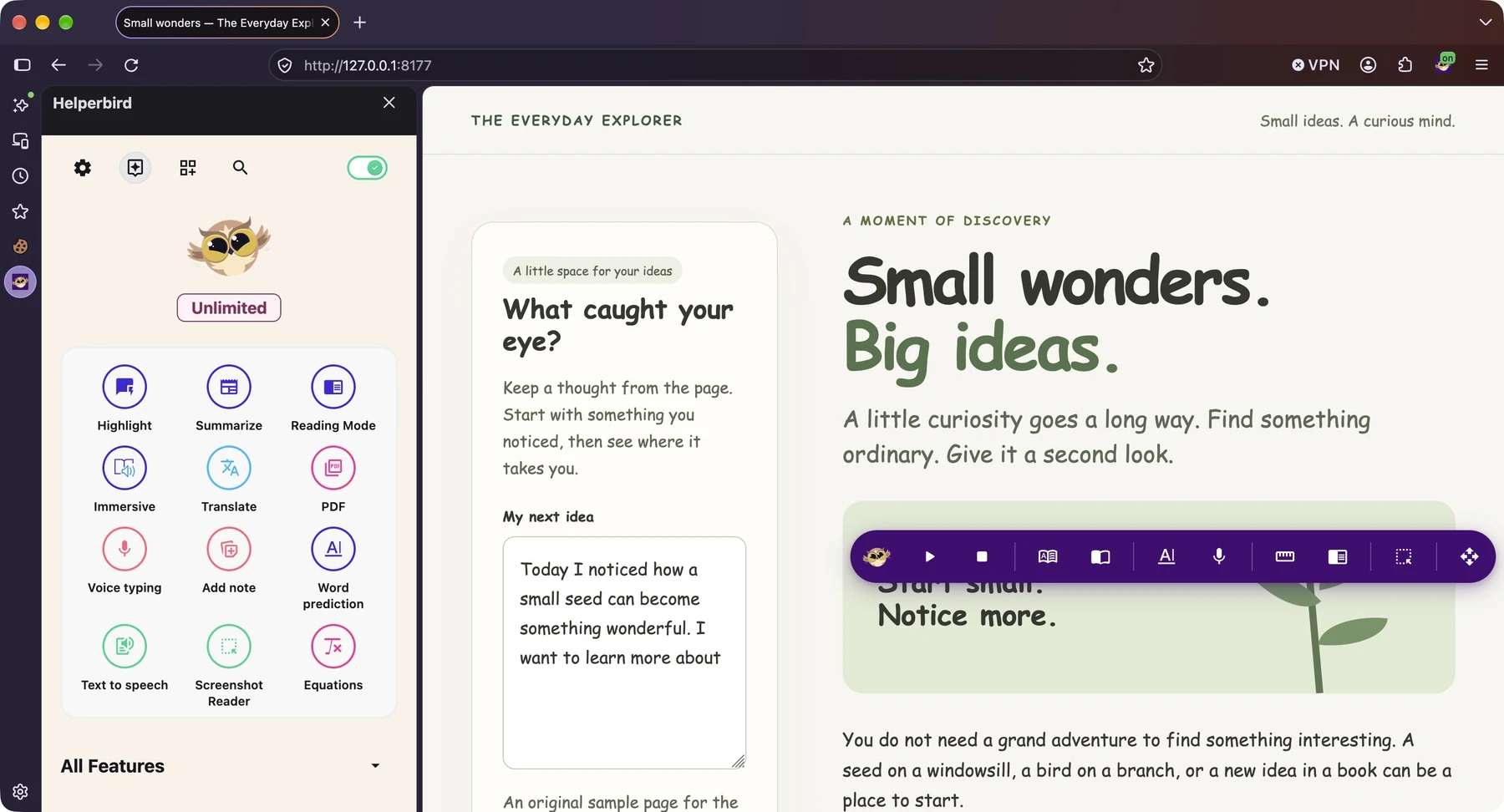
Your tools. Your sidebar. Your Firefox.
A few favorites to get you started
Say what you’re thinking. Read what’s in a picture. Find the word you need. There’s more than one way to make progress.
Voice typing Helperbird Pro
Turn a spoken thought into text. Choose your language, start the microphone, and let the words come.
Explore voice typingScreenshot Reader Helperbird Pro
Turn words and equations in an image into text you can use. Choose to listen, translate, copy, or save a note.
Explore Screenshot Reader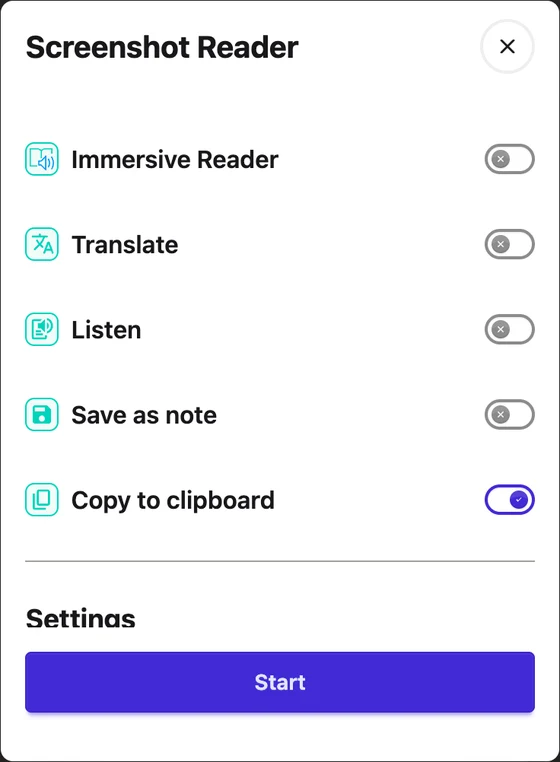
Word prediction Helperbird Pro
See suggestions as you type on supported websites and in Google Docs. Listen to a suggestion, choose a word, and keep your thought moving.
Explore word prediction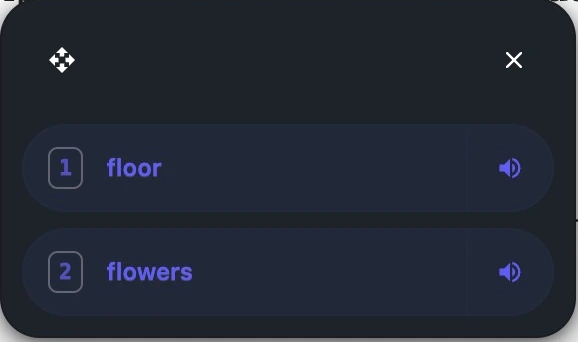
Make it your own
Build your own mix of reading, writing, and accessibility tools. Start free, then choose more support with Pro.
See all Helperbird toolsReal Helperbird extension controls, shown on desktop. Tools and availability can vary by device and website.
Reading tools
Read with your eyes, listen with your ears, or clear a little space around the words. Your curiosity gets to lead.
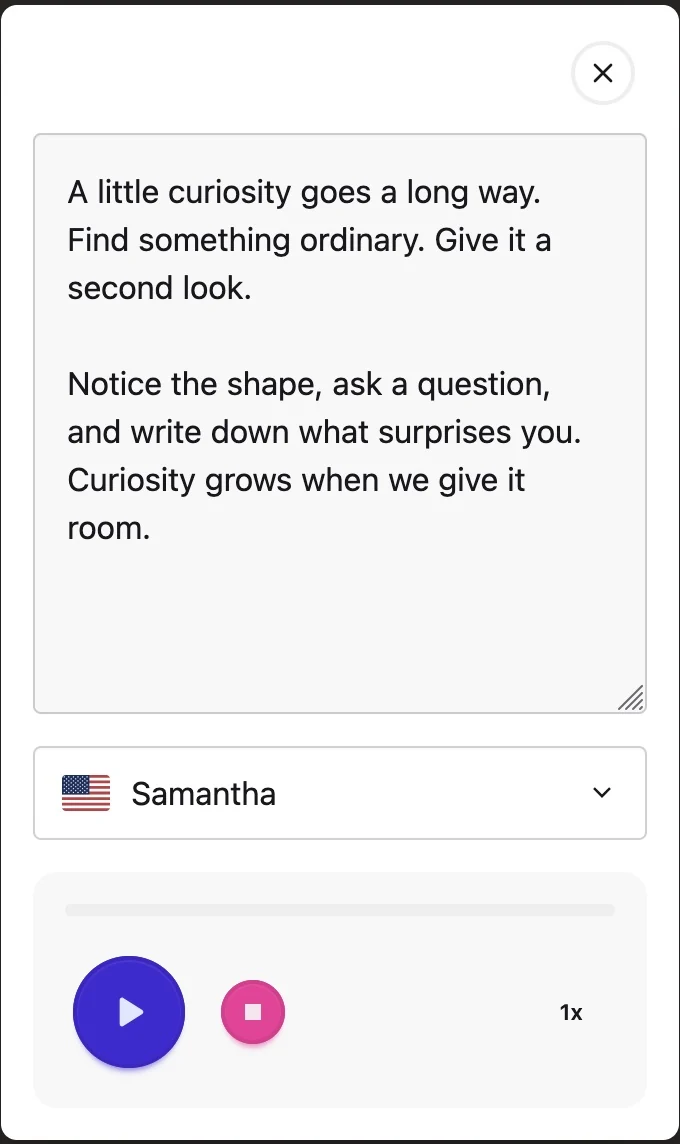
Hear text read aloud. Choose an available voice and adjust the speed to a pace that works for you.
Device voices are free. Pro adds premium voices.
Open an article in a simpler view. Give the words some space and leave distracting page clutter behind.
Explore Reading ModeOpen a PDF, listen with device voices, and add text boxes. Explore more document tools with Pro.
Meet the PDF ReaderWriting tools
A question, a wild first draft, a list of things to explore. Open Notepad in Firefox and see where your words take you.
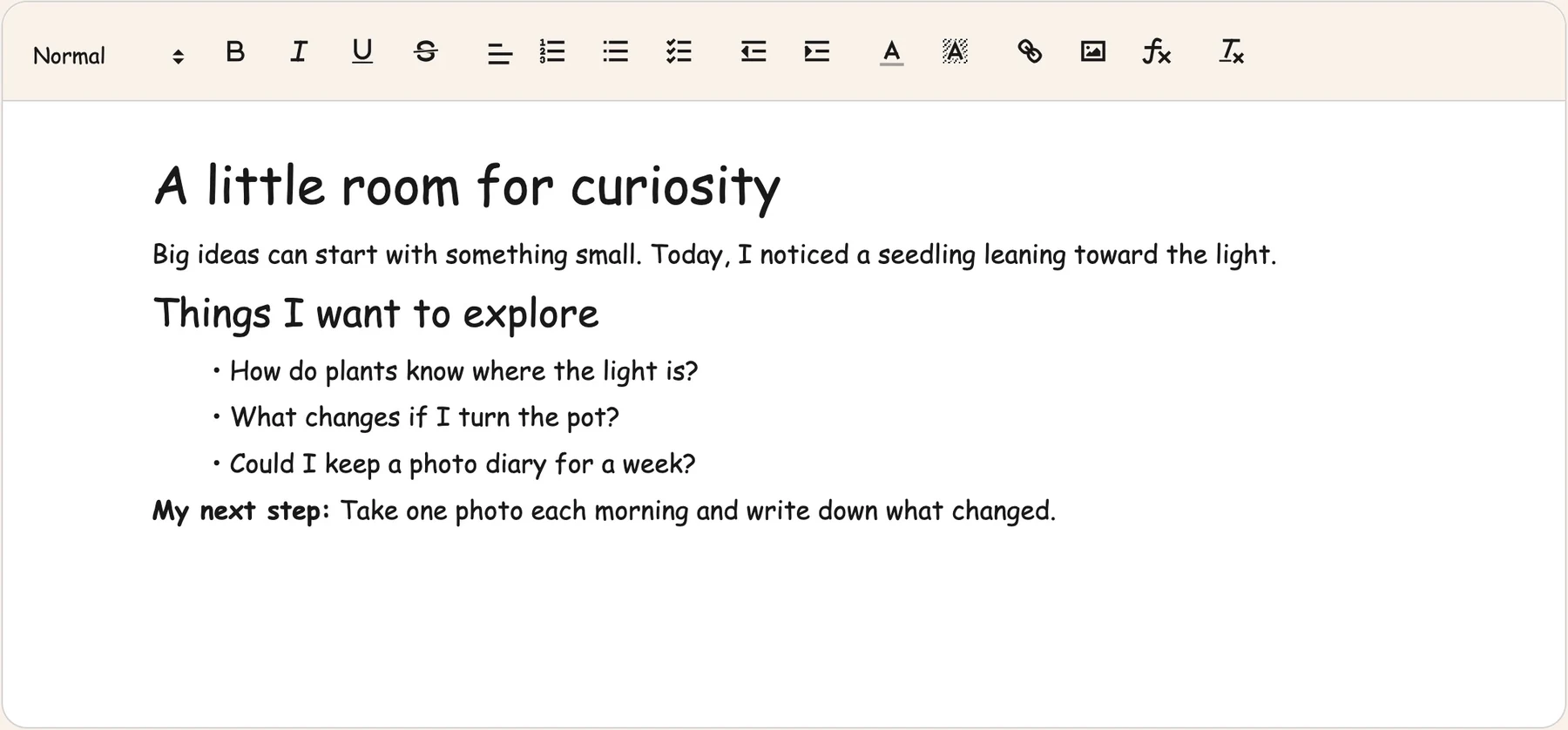
Write, format, and save your notes. Use headings and lists to turn a tangle of thoughts into a first draft.
Explore NotepadReview your writing with grammar support. Consider the suggestions and decide what works for your words.
See what’s in ProAccessibility tools
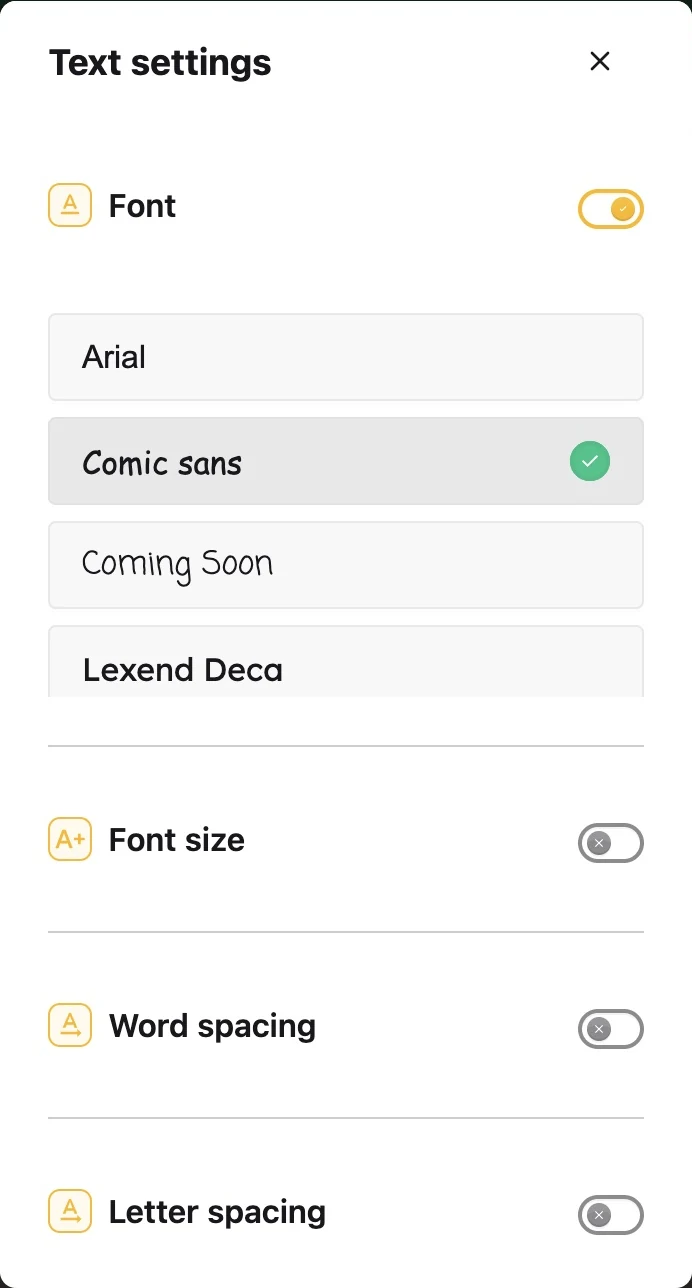
Choose the fonts, spacing, and colors that feel comfortable. Helperbird gives you more ways to make Firefox your own.
Try Atkinson Hyperlegible or OpenDyslexic. Adjust text size and the space between letters, words, and lines.
Explore color overlays and page colors. Choose a combination that suits the page and your preferences.
Keep a guide on the page when you want support following a line or focusing on one part at a time.
At home in Firefox
Open Helperbird in Firefox’s sidebar to keep your reading, writing, and accessibility tools close to the page.
Open the sidebarInstall from Firefox Add-ons.
Open your browser’s Extensions menu and choose Helperbird.
Open a webpage and explore your tools.
From people who use Helperbird.
“This app has changed everything for my daughter.”
“This extension has been an absolute lifesaver.”
“The ability to customize the settings allows students to have control over their own learning, aligning with Universal Design for Learning.”
Excerpts from customer reviews.
Read all customer reviewsFor Firefox on Windows, Mac, Linux, and Android.
Screenshots show the real extension in Firefox on Mac. Tools and voices can vary by device and plan.
Yes. Start with free tools including device text to speech, Reading Mode, font settings, and Notepad. Helperbird Pro adds tools such as word prediction, grammar support, and premium voices.
Compare Free and ProYes. Helperbird is available from Firefox Add-ons for desktop Firefox and Firefox for Android. This page shows the desktop experience on Mac; controls, voices, and tool availability can vary on mobile.
Explore Firefox for AndroidYes. Administrators can make Helperbird available through Firefox’s managed extension settings.
Read the deployment guideHelperbird offers choices such as OpenDyslexic, text to speech, spacing controls, and reading guides. Try the tools and choose what supports your own reading and writing. Different people prefer different settings.
A little help from a real person? We’re here for you.

Reading. Writing. Accessibility.
A little Helperbird in your Firefox.
No account needed.